See it in action
Watch the walkthrough, or browse the desk screen by screen.
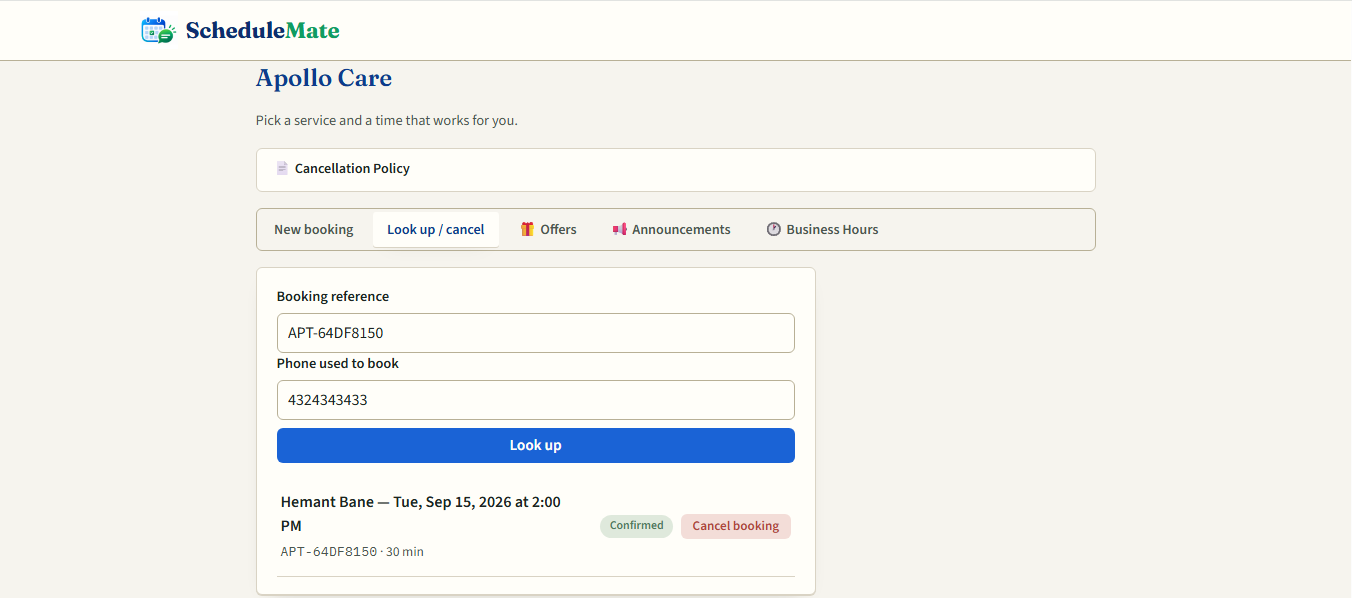
ScheduleMate gives your business a booking link and a WhatsApp number. Customers pick a time, you see it land on the page instantly — no double-bookings, no back-and-forth.
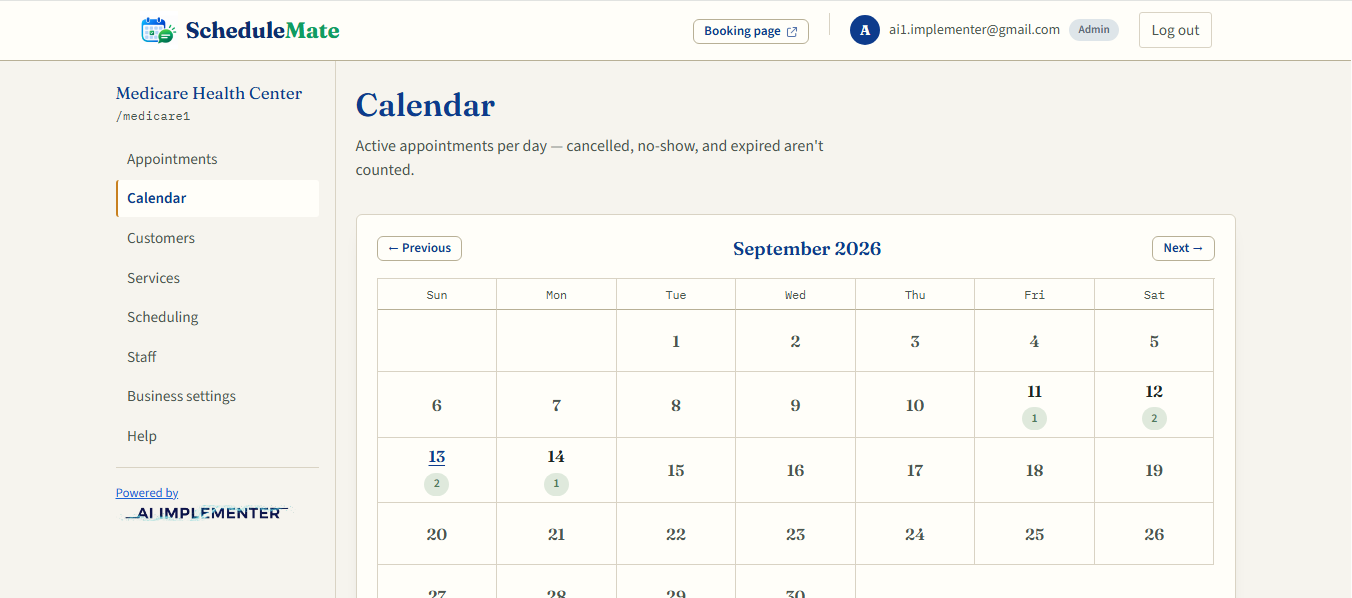
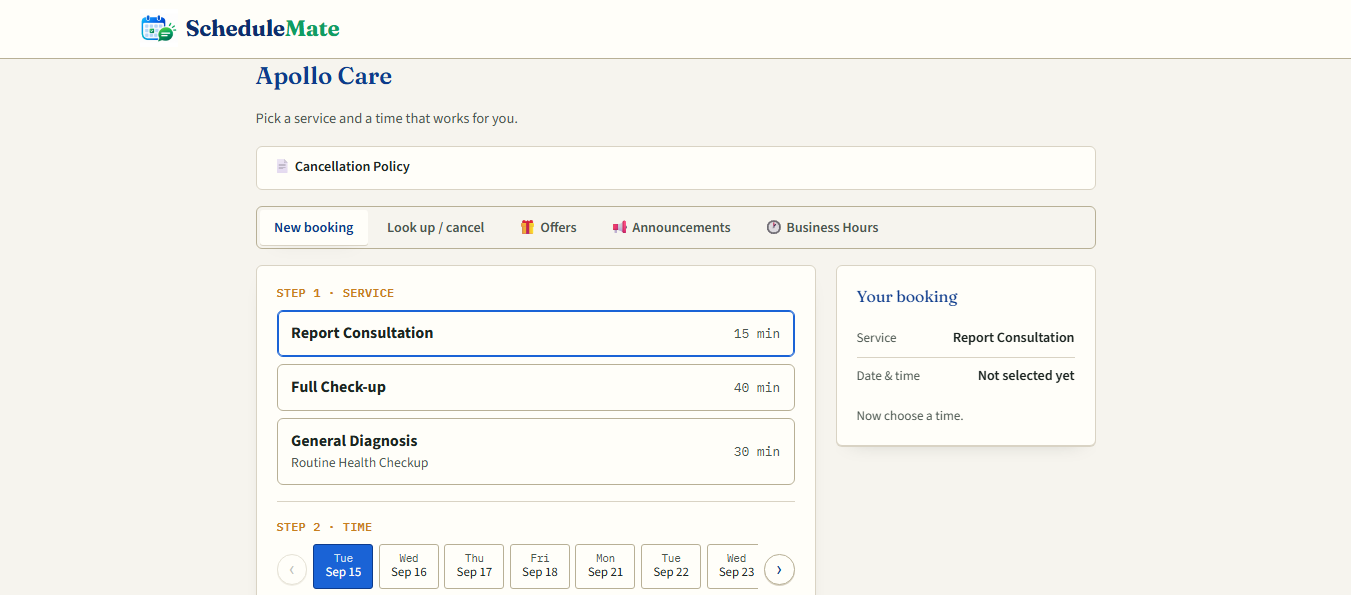
One shared calendar behind both your WhatsApp number and your public booking page.
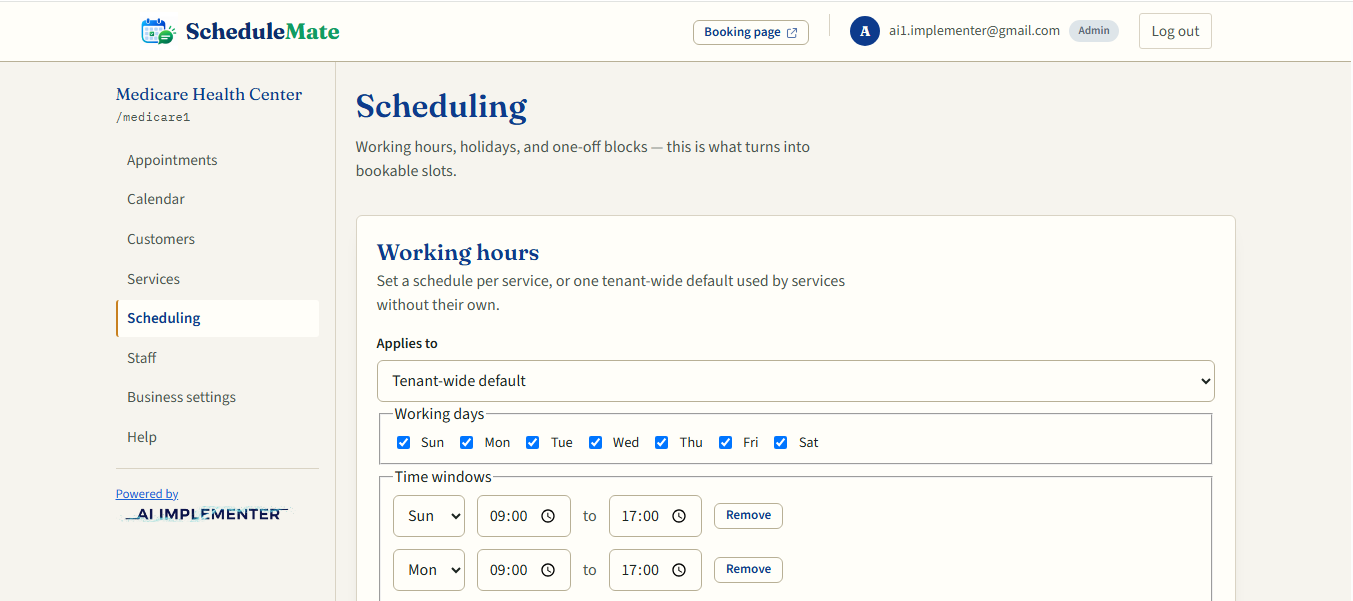
Working hours, holidays, and one-off blocks all feed the same slot list — WhatsApp and the web page never disagree.
Double-bookings are rejected at the database, not just the form — even if two customers tap the same slot at once.
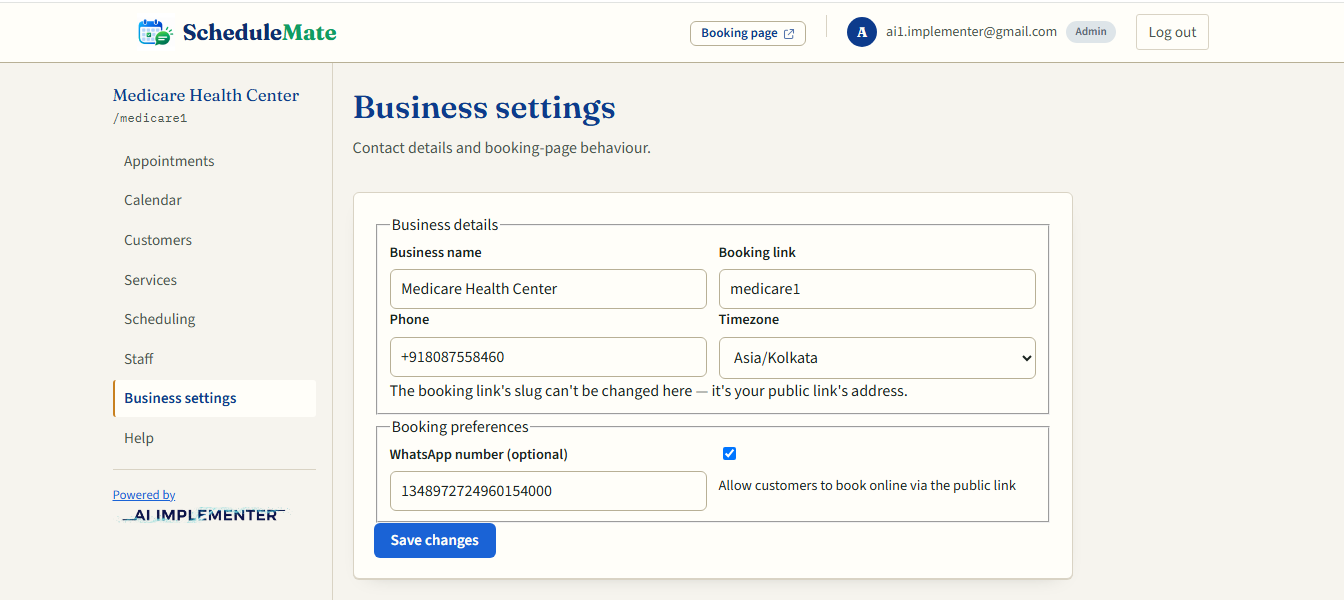
Share a public booking page, a WhatsApp number, or both — every booking lands in the same place either way.
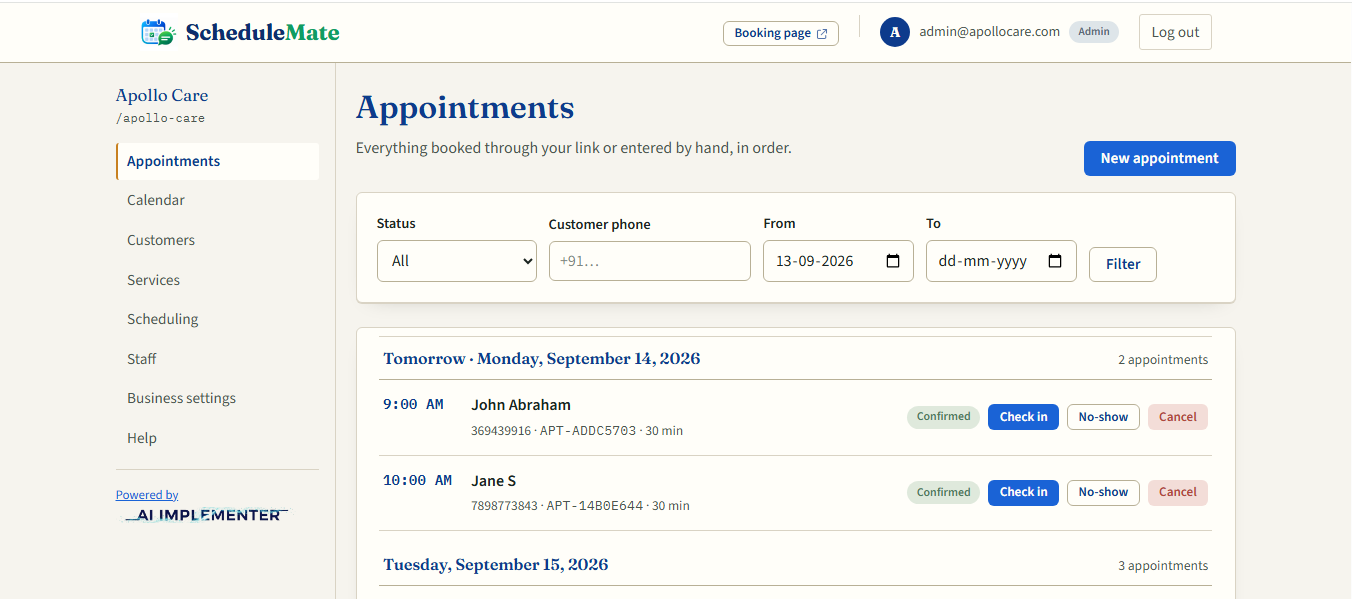
Confirm, check in, and close out appointments from a plain list sorted by time — built for a busy front desk, not a spreadsheet.
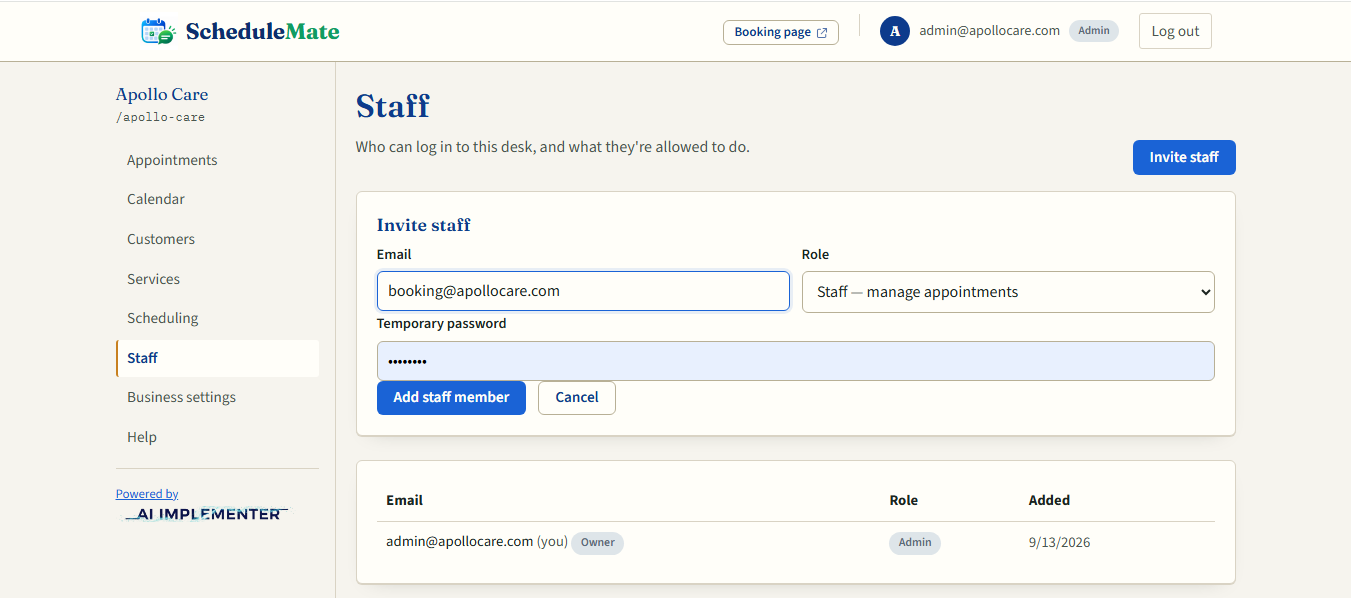
Admins manage services and hours; staff run the daily desk; viewers get read-only access. Everyone sees only what they need.
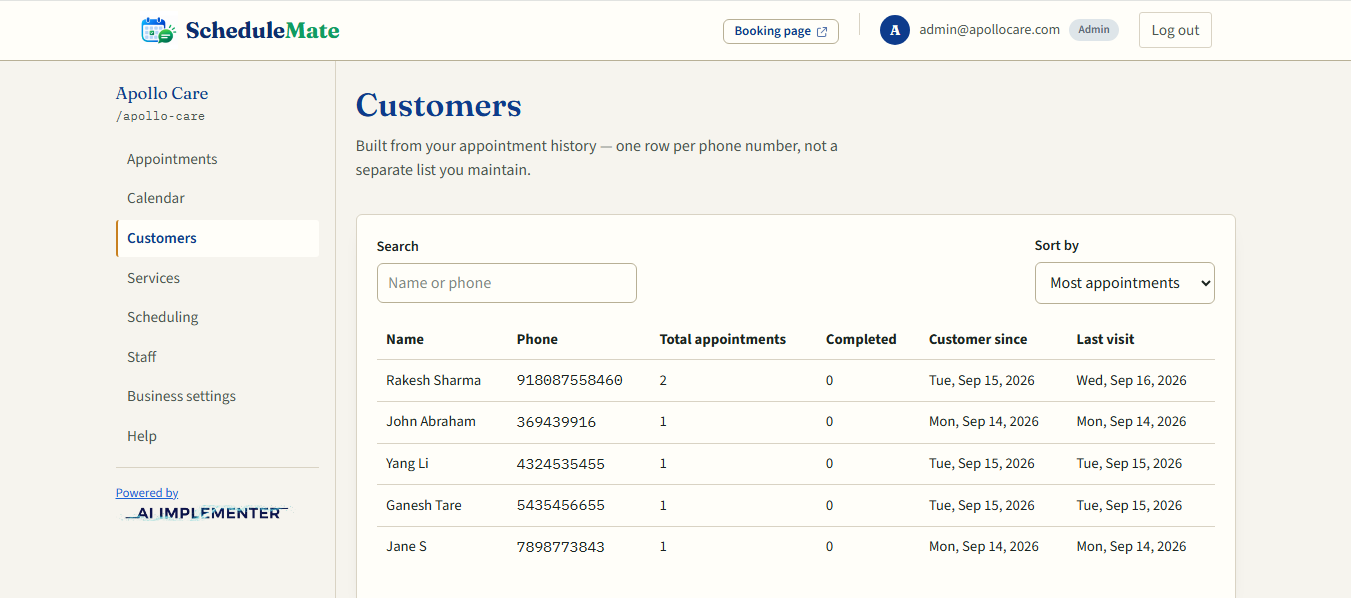
Every phone number that books becomes a customer record automatically — visit history included, no separate CRM to maintain.
Watch the walkthrough, or browse the desk screen by screen.
From a customer's message to a closed-out appointment, in four steps.
Via your WhatsApp number or your public booking link — whichever they reach for first.
It's checked against working hours, holidays, and existing bookings before it's confirmed.
The appointment appears on the shared list and calendar the moment it's booked.
Confirm, check the customer in, and mark it complete — or reschedule and cancel when plans change.
Every business runs differently — ScheduleMate's schedule adapts to yours, not the other way round.
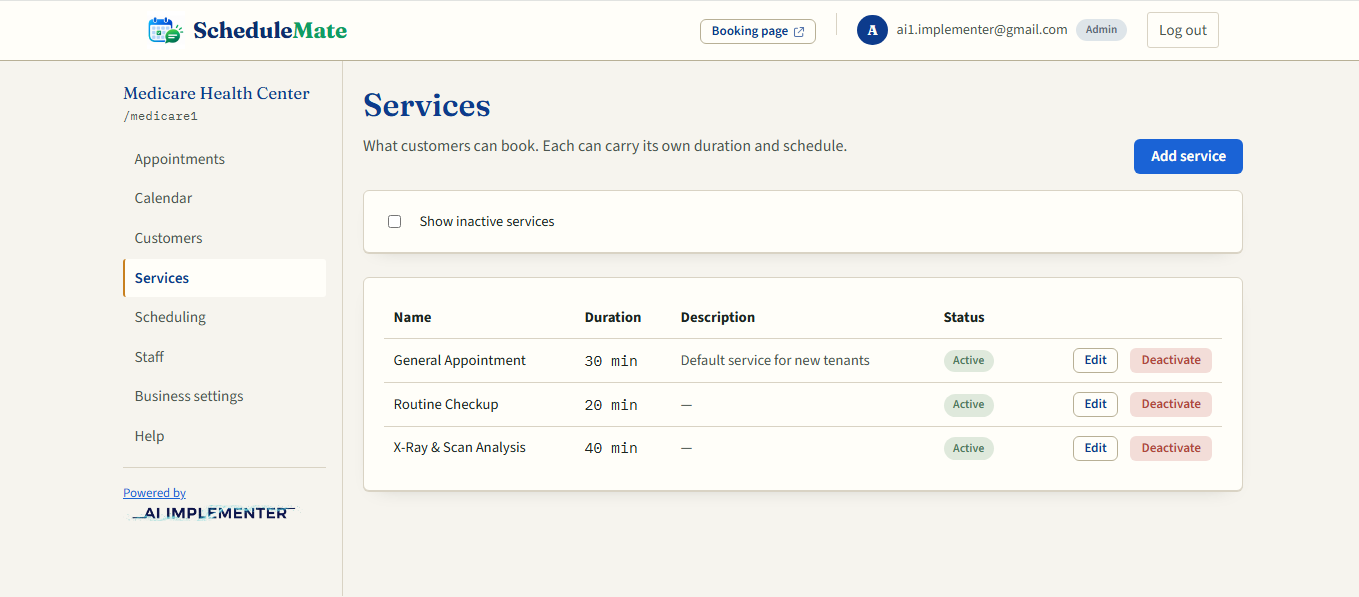
Give each service its own working hours and slot length, or apply one schedule business-wide.
Close a single day, or block out an hour without touching your regular hours.
A daily lunch break or weekly closure that repeats on its own, until you pause or remove it.
Offers, announcements, hours, and policies now show up as a menu on both your WhatsApp number and your booking page — set each one once in Business settings.
Post a running promotion once, and it shows up on the WhatsApp menu and the booking page — no need to message it out separately.
Holiday closures, new services, schedule changes — update it in one place, and customers see it wherever they check.
Pulled straight from your working-hours schedule, so what customers see always matches what's actually bookable.
Set it once, and customers can check it on WhatsApp or the booking page before they ever need to ask.
Have questions, or want to see if ScheduleMate fits your business? We're happy to walk you through it.